

Account, services and billing
Correct the details on an invoice already issued
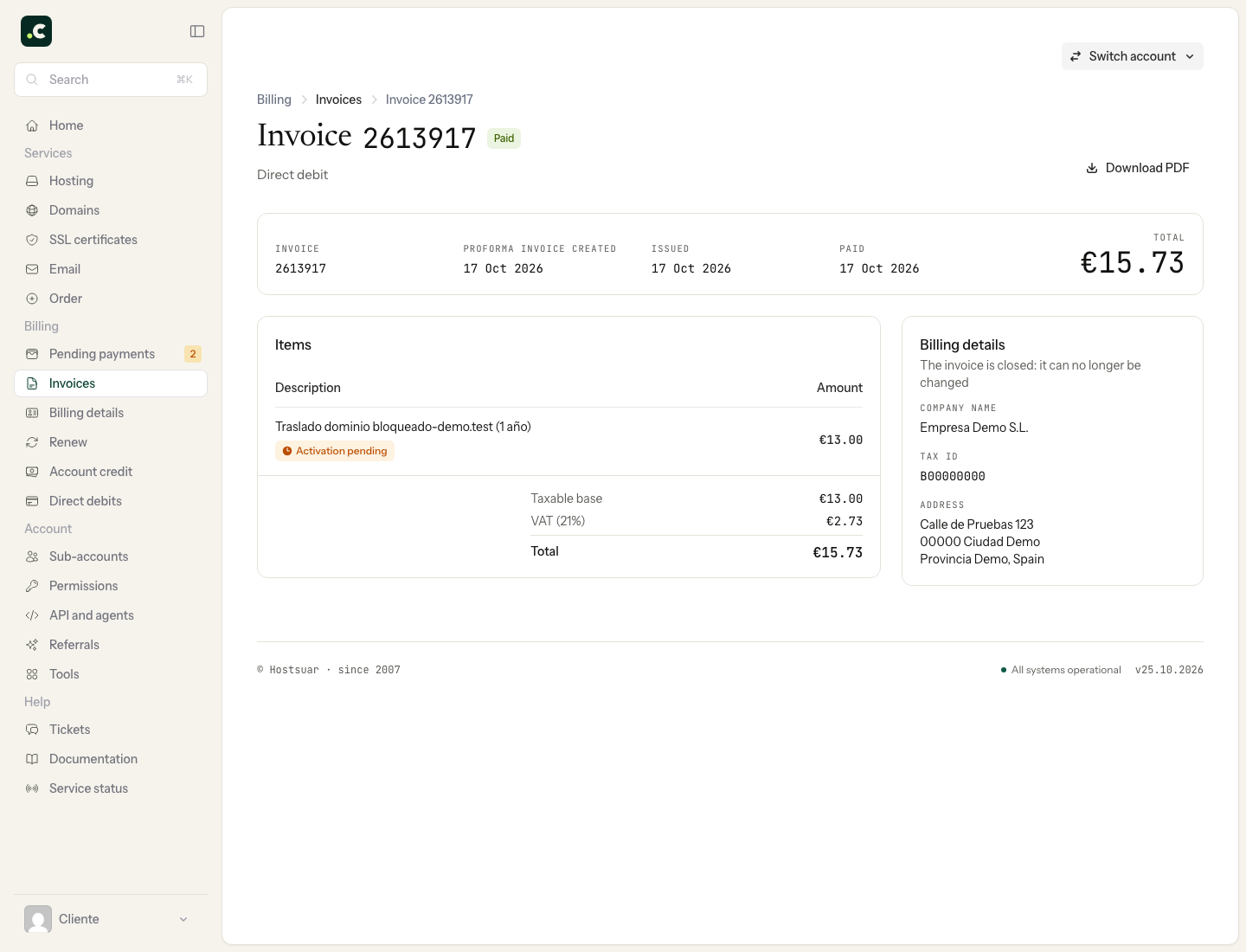
If an invoice has incorrect details, go to Billing > Invoices and open the document by its number. Check which detail needs correcting and whether it also affects upcoming renewals.
If the edit option appears
When the document and your permissions allow it, the menu offers Edit billing details. Select the account holder or the right profile, save and download the PDF again to check the result.
Whether it is available depends on the document's status. Do not assume every invoice can be edited or that there is a general 60-day window to change it from the panel.
If the invoice is closed
Do not edit the PDF yourself or try to pay again. Open a ticket with the number, the details shown and the correct ones so we can review the applicable procedure. If a corrective invoice is due, it will have its own identification and refer to the original; keep both.
The invoice page may show This invoice has been corrected with a link to the correcting document. That does not mean a new charge has been made or that you should delete the original invoice. The Spanish Tax Agency (AEAT) explains corrective invoices.
Stop the mistake happening again
Correcting a document does not necessarily change the account holder, the profile linked to the service or the payment made. Also update the service's billing details and review any proforma invoices that are already pending.
You may also find useful
- View paid invoices and download Modelo 347 Filter invoices by tax year, open their details, download one PDF or a whole year in a ZIP and get t...
- View the breakdown of a proforma invoice or invoice Where to view the breakdown of services and costs on proforma invoices and invoices, and how to down...
- Cancel a proforma invoice and check which services it affects Where to cancel an unpaid proforma invoice, and how the effect differs for renewals and new sign-ups...
- Change a pending proforma invoice The options for cancelling or adjusting a pending proforma invoice, by removing services or changing...
Something wrong or out of date? Tell us and we will review it.