

Account, services and billing
Billing profiles
A profile holds the tax details of a person or company so they can be used on specific services and proforma invoices. It is useful if you manage projects that need to be invoiced to different recipients.
In the client area, under Billing / Billing details, you can create as many separate billing profiles as you need.
You can use these profiles to assign them to the services you want, change the details on a pending proforma invoice or correct an issued invoice within its editing limits.
Creating or editing a profile does not on its own reassign existing services. For upcoming renewals, check which profile each service has assigned and which one is selected as the default in Billing > Pending payments > Preferences.
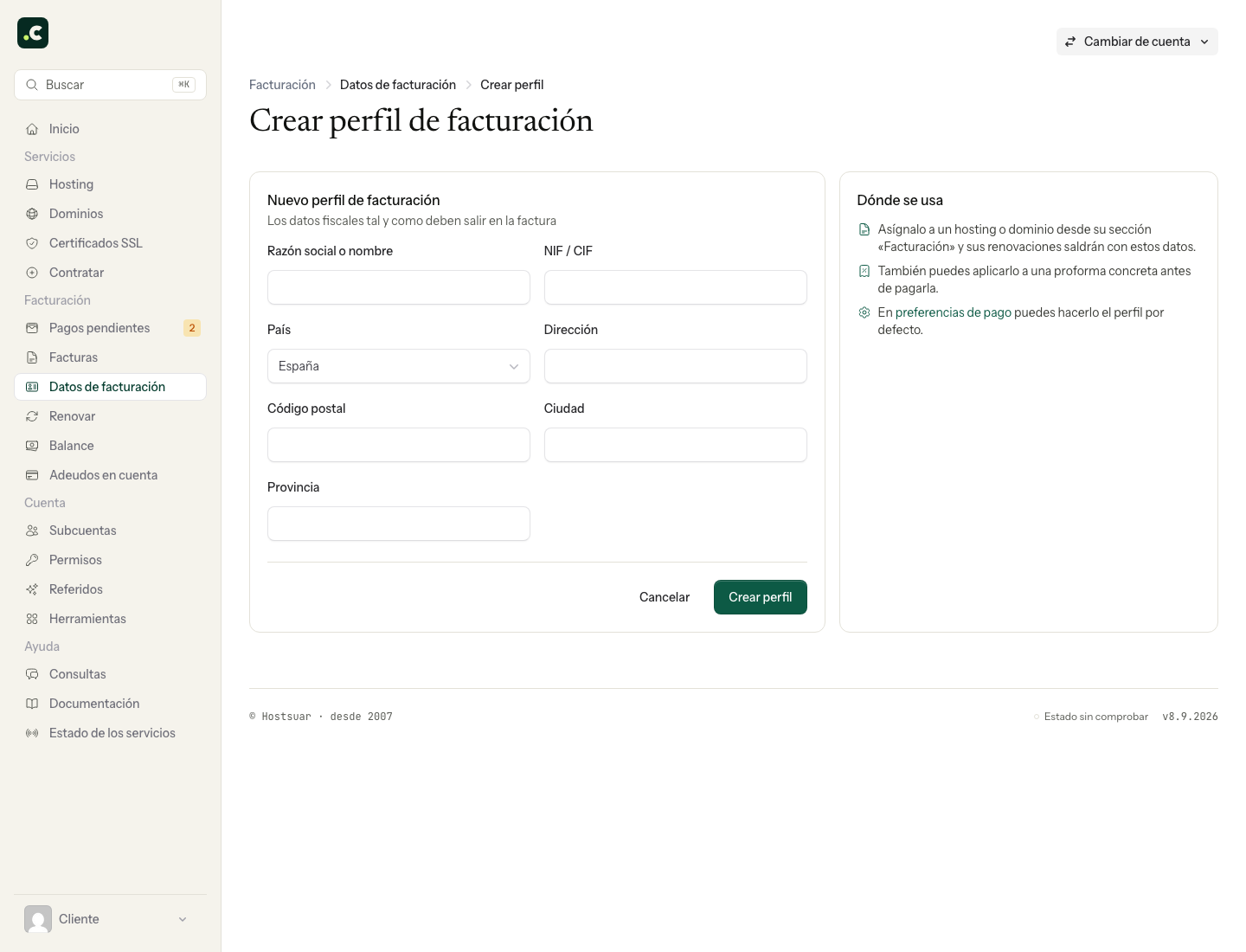
Create or review a profile
- Open Billing > Billing details and click Create profile.
- Fill in Company or name, Tax ID, country and address exactly as they should appear on the invoice.
- Click Create profile and check the resulting card.
- Use Edit to correct its details and Save changes to confirm them.
Then assign it to the service or proforma invoice that needs it. A tax profile does not grant access permissions or replace a sub-account.
Before deleting a profile, review its services and assign them the right recipient. Do not delete it to try to erase or correct invoices that have already been issued.
You may also find useful
- Assign a billing profile to a service Explains how to link a hosting service or domain to a specific profile so that future proforma invoi...
- Default billing details Shows how to select a default profile for invoices and reminds you that each service can have differ...
- Download my data Shows how to download the main account data, its services and paid invoices in JSON format, and expl...
- Privacy and contracts Find the contracts and policies the account has accepted, and review or change your consent to recei...
Something wrong or out of date? Tell us and we will review it.