

Account, services and billing
Use the referral programme and check commissions
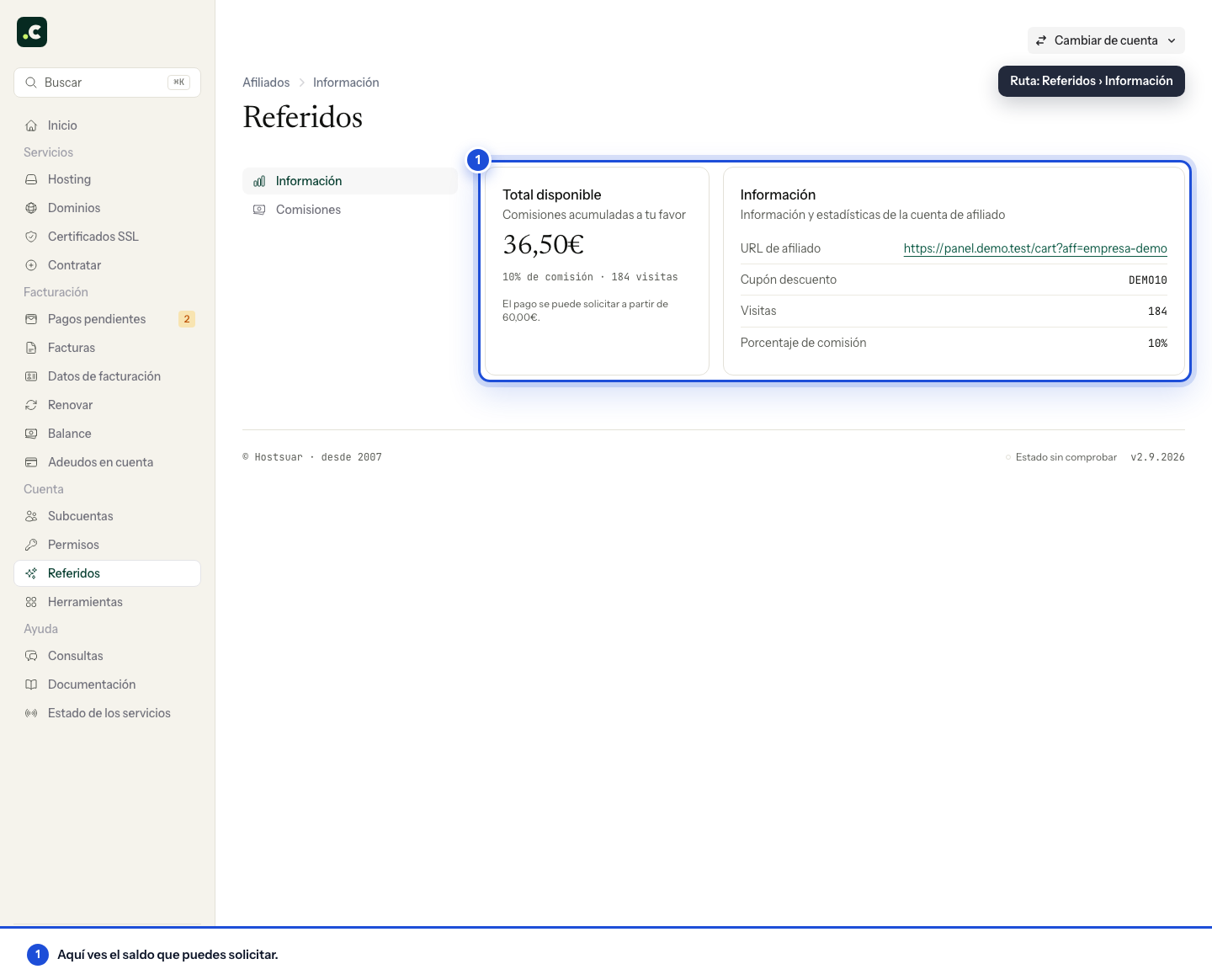
Go to Referrals in the client area. The Information section shows your affiliate URL, your assigned coupon, visits, the commission percentage and the available balance.
Share a referral
Use your affiliate URL or the coupon exactly as they appear. The referred person must start or complete the order with one of those identifiers so the system can attribute it. Do not change the URL parameter or promise conditions different from those shown during the purchase.
Check commissions
Open Commissions to see each attributed service, its amount and the relevant dates. If your scheme has a recurring commission, the next renewal and the last payment appear; in other schemes, the commission date and its approval appear.
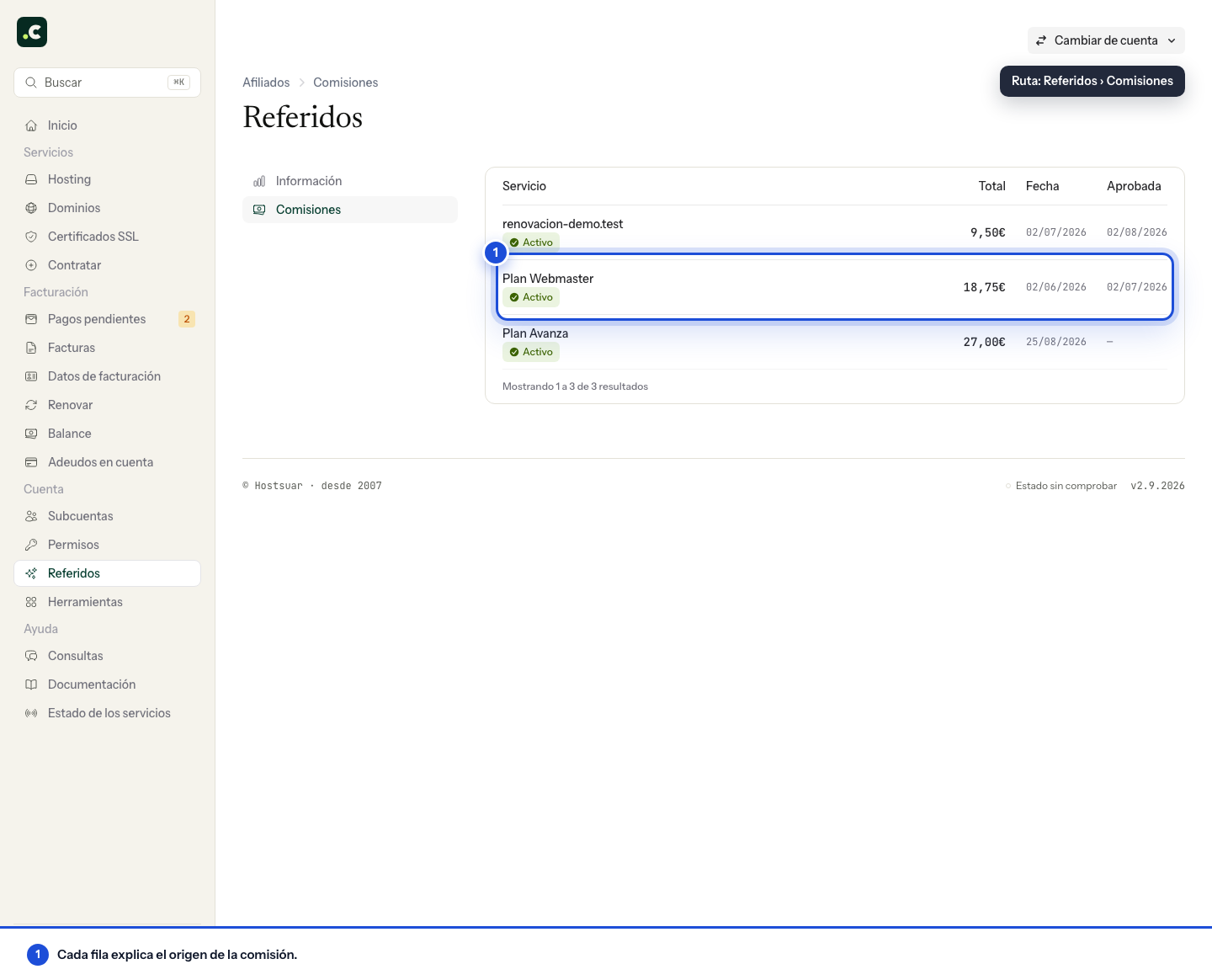
A visit is not a commission. The service must be attributed and meet the programme conditions before its amount becomes available.
Request payment
The Total available card shows the accumulated balance and the minimum required. When it goes over the threshold shown, Request appears. The button opens a ticket to process the payment; it does not deduct or pay out the balance immediately.
Include in the request any payment details we ask you for, but do not send passwords or full card details.
If a commission does not appear
Check that you are signed in as the account holder on an account with the programme enabled. A sub-account does not have this section.
Check the attributed service and its status before comparing the balance with the number of visits. If you need to clarify an operation, open a ticket with the available reference and the approximate date; do not include third parties' personal data that is not needed. Requesting payment does not automatically add that amount to your account credit either.
You may also find useful
- Cancel a service's renewal Shows how to turn off renewal for a hosting service or domain, which reminders stop being sent and h...
- Change a service's billing period Explains how to change the renewal interval without moving the due date, when a proforma invoice is...
- Change your hosting plan How to upgrade or downgrade a hosting plan, what stays the same, when you pay the difference and wha...
- Elastic hosting: resources, automatic scaling and billing Where to adjust CPU, memory and disk, how to switch a fixed plan to Elastic without changing account...
Something wrong or out of date? Tell us and we will review it.