

Domains and DNS
Certificate of ownership of a .es domain issued by Red.es
Red.es, the body that manages .es, .com.es, .org.es and .nom.es domains, issues an official certificate of ownership. The domain's administrative contact generates it themselves from their personal area on dominios.es. For other extensions, use our certificate of ownership.
1. Copy the administrative contact's identifier
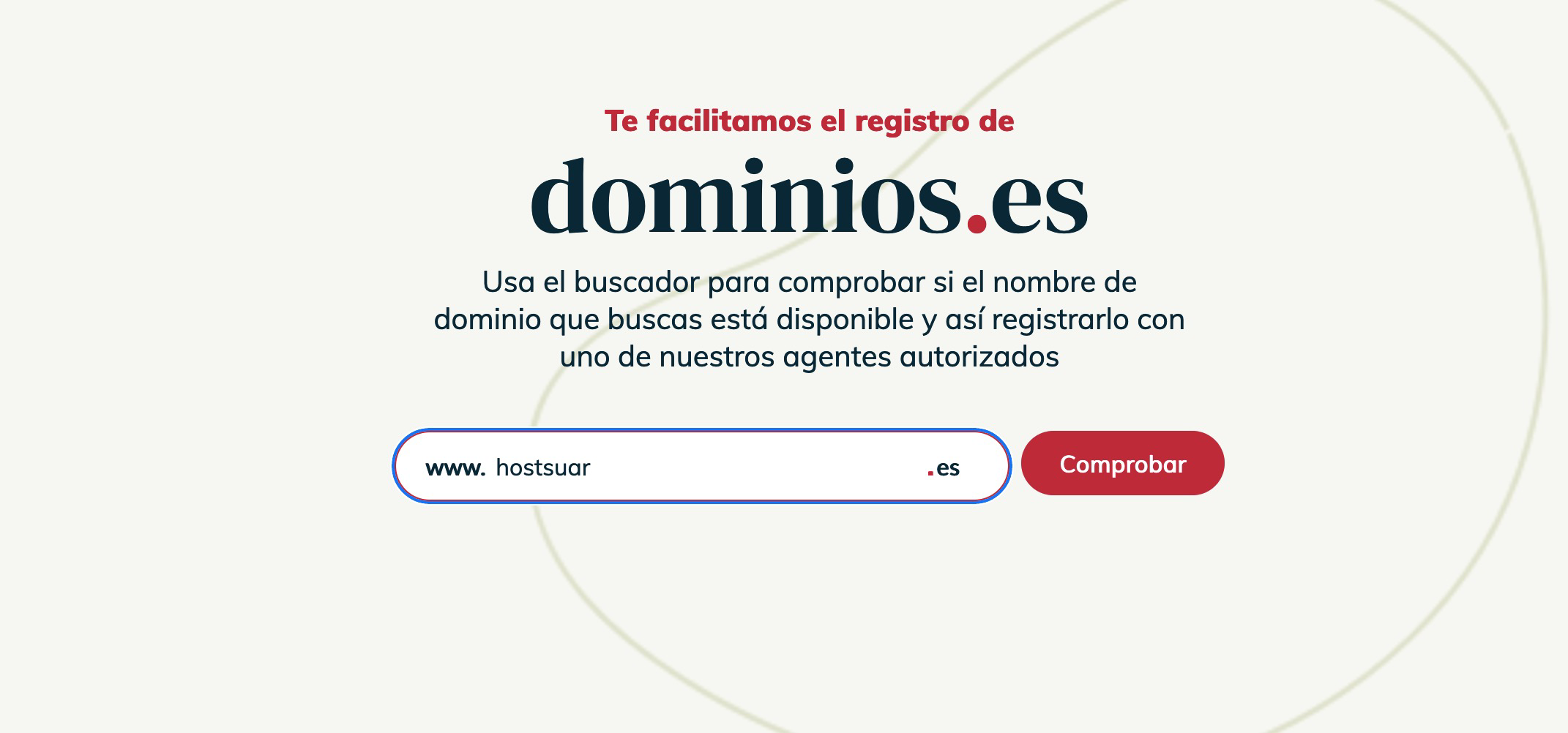
Go to dominios.es and type your domain into the search box on the home page.
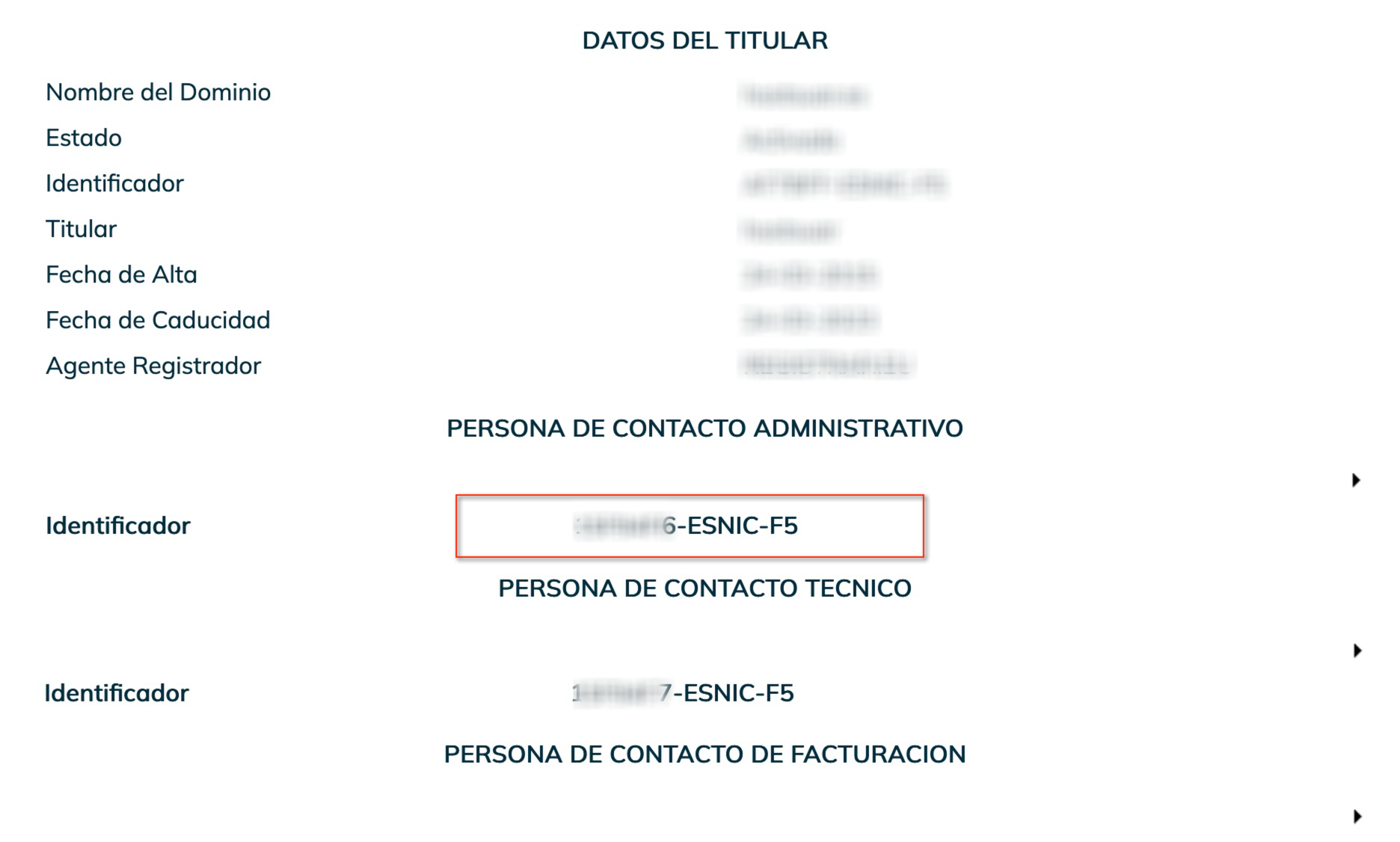
It will tell you the domain is taken. Click Ver datos (view details) and copy the identifier shown under Persona de contacto administrativo (administrative contact).
2. Get the password
Go to the dominios.es management area login and click Recuperar contraseña (recover password). Enter the identifier you copied and complete the process.
Red.es will send an email to the administrative contact's address with a link to create a new password. If it doesn't arrive, check your spam folder. If that email address no longer exists, first change it from the domain's whois details in our client area.
3. Generate the certificate
Go back to the panel login and log in with the identifier and the new password.
- Open Mis dominios (my domains) and type your domain into the search box. It will appear in the list of results.
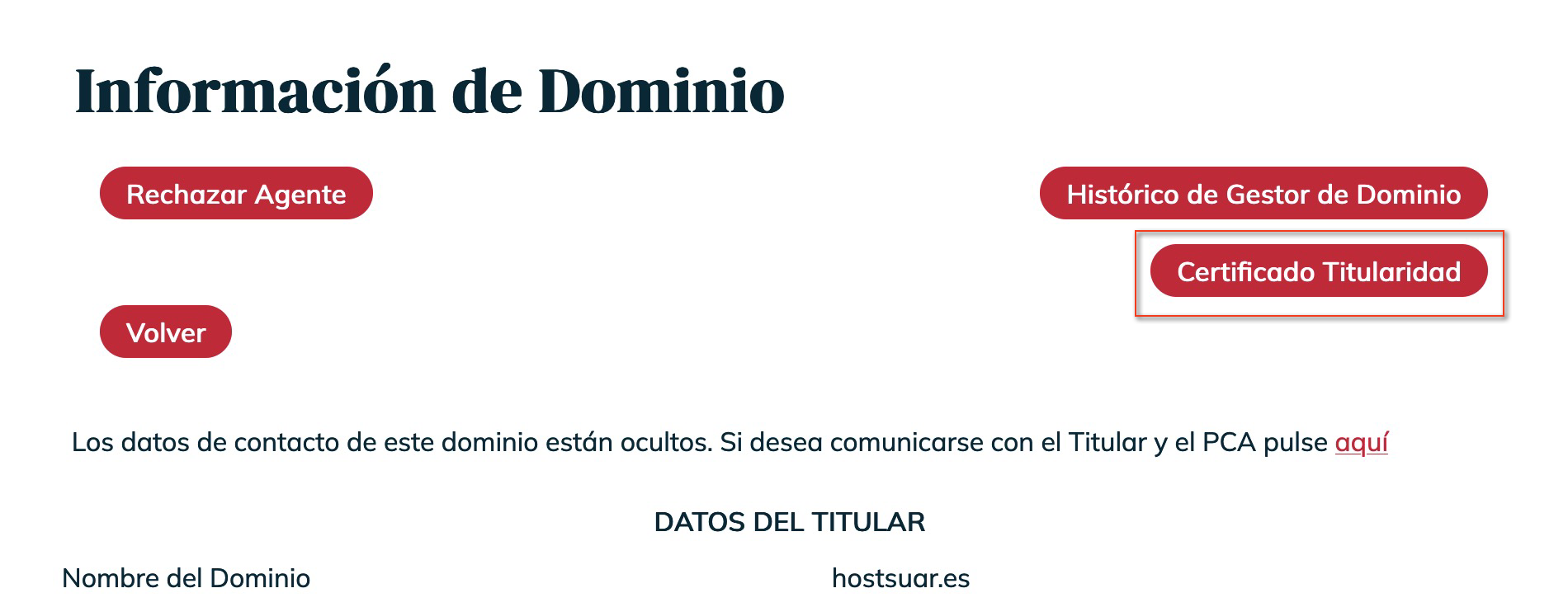
- Open the domain. At the top you'll find the Certificado Titularidad (certificate of ownership) link.
- Click it and Red.es will email the certificate as a PDF to the contact's address.
If the Mis dominios search doesn't show the domain, tick all the Tipo de contacto (contact type) boxes and set an earlier registration date.
You can only request one certificate per domain per day.
You may also find useful
- Red.es notice about incorrect details on a .es domain You have received a notice from Red.es because your .es domain's holder details are incorrect: what...
- Download the Hostsuar ownership document Shows how to download from the client area an informative document with the holder details on record...
- Resolve the «pending ICANN verification» notice on a domain Resolves the suspension for not validating the holder's email: request the registrar's message again...
- Update a domain's holder and contacts Shows where to update, from the client area, the holder details and the administrative and technical...
Something wrong or out of date? Tell us and we will review it.