

Domains and DNS
Download the Hostsuar ownership document
The certificate generated by Hostsuar is an informative document showing the holder details on record on the issue date. It is not a substitute for an official registry certificate and does not guarantee acceptance in any particular procedure.
Before submitting it for a grant, to a company or in a procedure, confirm which proof the organisation accepts. It may ask for a registry certificate, an invoice or some other proof.
To get the document for an active domain managed from your account, go to Domains in the client area, click Manage on the domain and, in the More actions button in the header of its page (the one with three dots), choose Certificate of ownership.
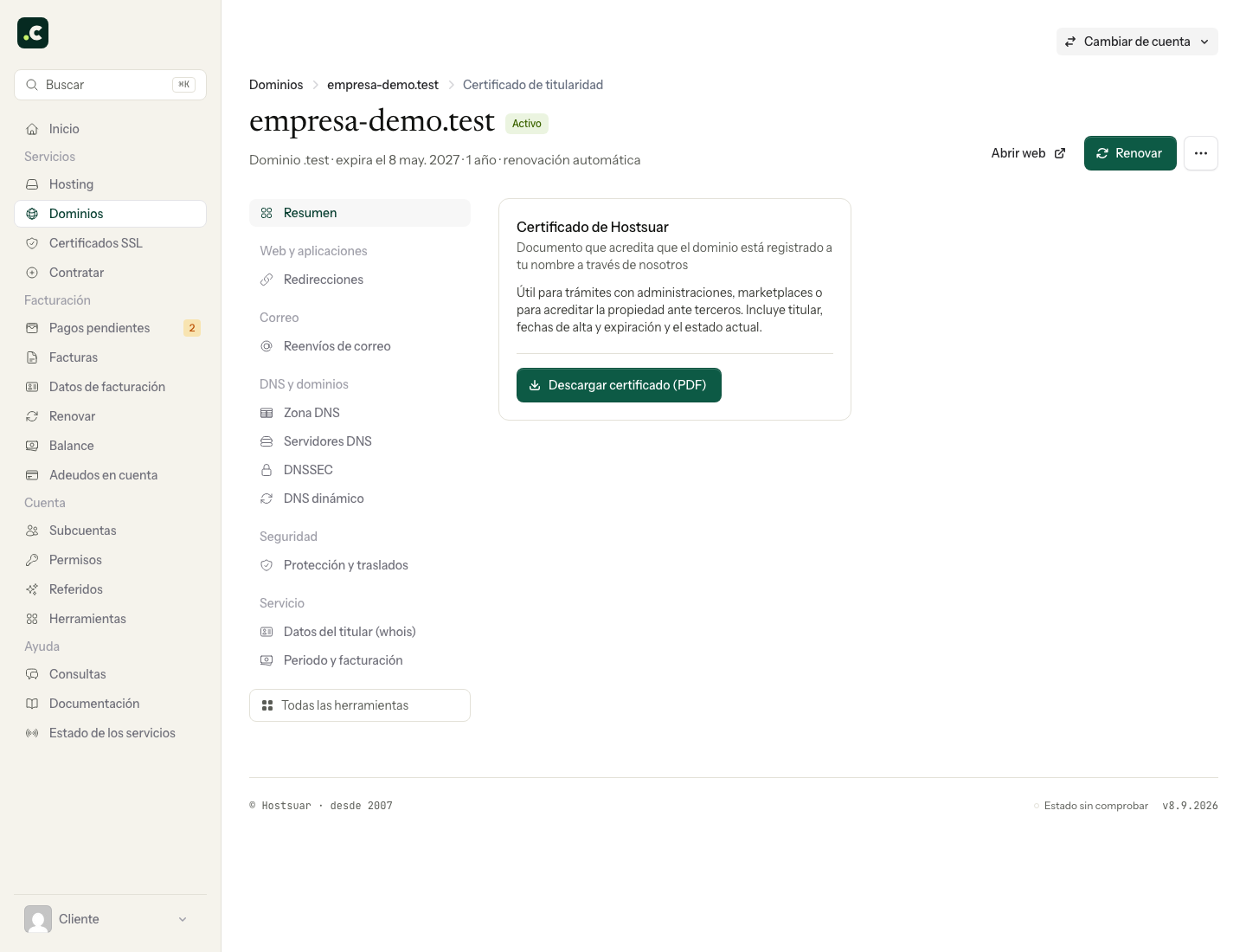
Open the download option on the screen and check the domain, the holder details and the date on the PDF. If there is an error, correct the domain's details first; do not edit the file to submit it under another identity.
If the organisation asks for the official Red.es certificate, use its specific procedure. Downloading a proof document does not transfer the domain or change who manages or renews it.
You may also find useful
- Am I the owner of the domain? Check who is listed as the registrant and tell their rights of use apart from panel access, paying i...
- Change the holder of a .es domain through Red.es Explains the transfer of ownership of a .es domain at nic.es: create the new contact, verify the req...
- Request a certificate of ownership from Red.es Describes how to log in to the Red.es panel with the administrative identifier and generate the offi...
- Resolve the «pending ICANN verification» notice on a domain Resolves the suspension for not validating the holder's email: request the registrar's message again...
Something wrong or out of date? Tell us and we will review it.