

Security and SSL
Change the main cPanel, FTP and SSH password
The password of the hosting's main user is used for cPanel and its FTP and SSH access when they are enabled. Email accounts, additional FTP users and databases have separate credentials.
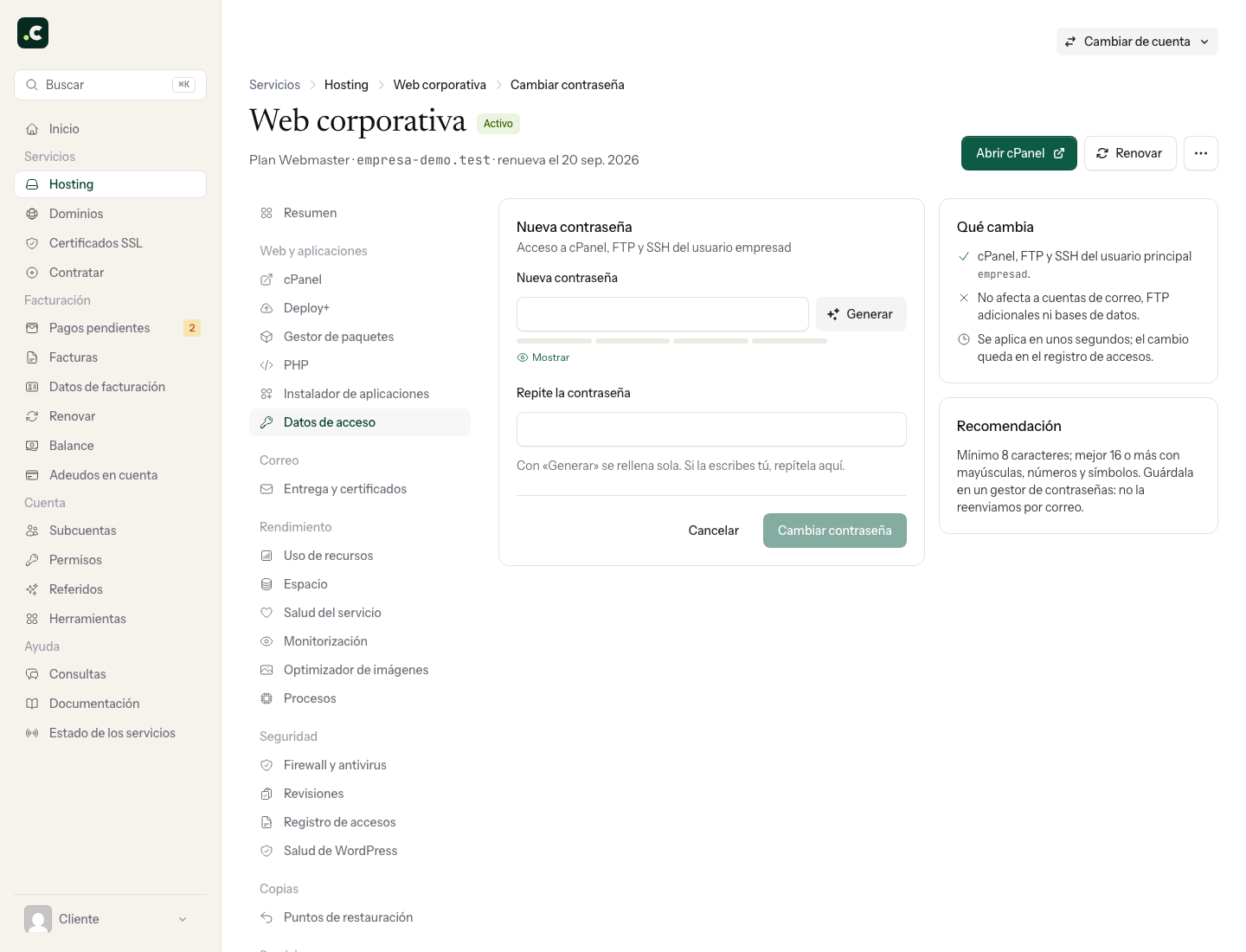
Change it from the client area
- Open Hosting and select the correct service; on a multi-account plan, go into the relevant account.
- Go to Login details and click Change password.
- Enter a new, unique password and repeat it in the form. Save it in your password manager.
- Confirm the change and wait for the result before trying a new connection.
Change it from cPanel
If you already have access, you can use Password & Security, with the current password and the new one. If the details shown in the client area then do not match or direct login fails, see how to recover access to cPanel.
Check the affected connections
Update the password in the clients and tasks that use that main user. The change does not replace authorised SSH keys or other users' passwords. Do not change your email or database configuration if their credentials are still separate.
If you change the password because of a suspicious login, do it from a trusted device and review the activity as well as updating the password. Changing it does not revert files or rules that have already been modified.
You may also find useful
- Leech Protection: scope and compatibility with LiteSpeed Learn what Leech Protection controls in protected directories and why you should not rely on this fe...
- Recover cPanel access and password View the hosting details or set a new password from the client area, and check which accounts are af...
- Exclude a directory or file when protecting a directory with a username and password Shows how to exclude a specific file from basic authentication with a Require rule in .htaccess with...
- How passwords are stolen and what to check if it happens Recognise phishing, password reuse and compromised devices, and regain control of the affected crede...
Something wrong or out of date? Tell us and we will review it.